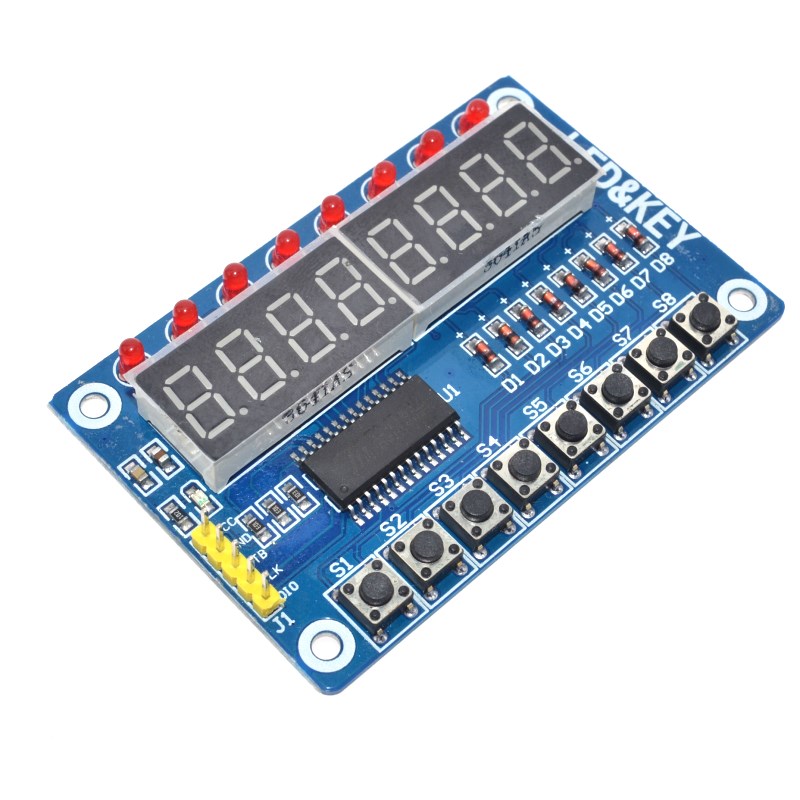
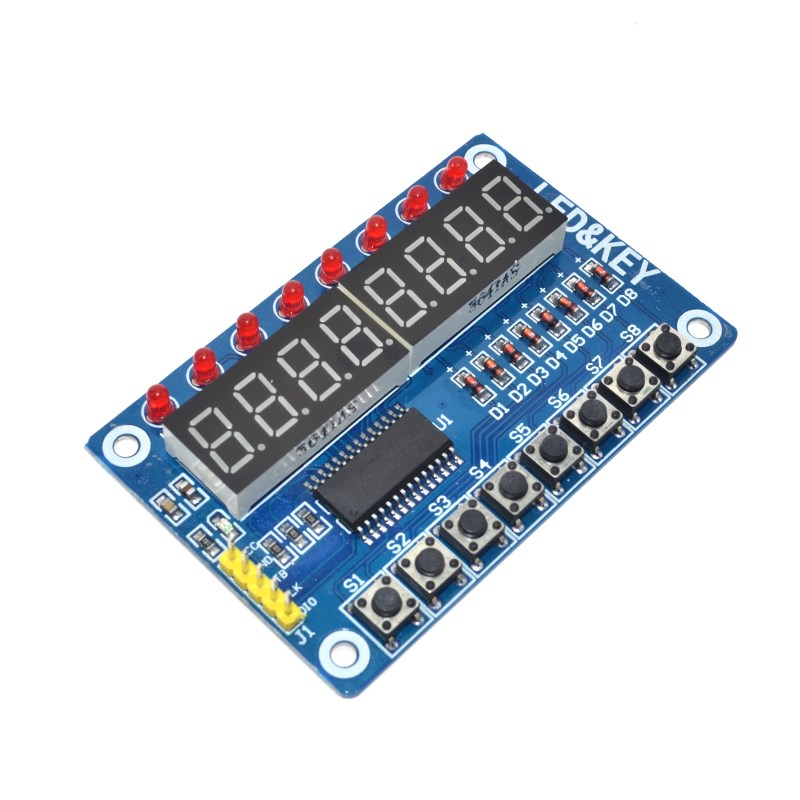
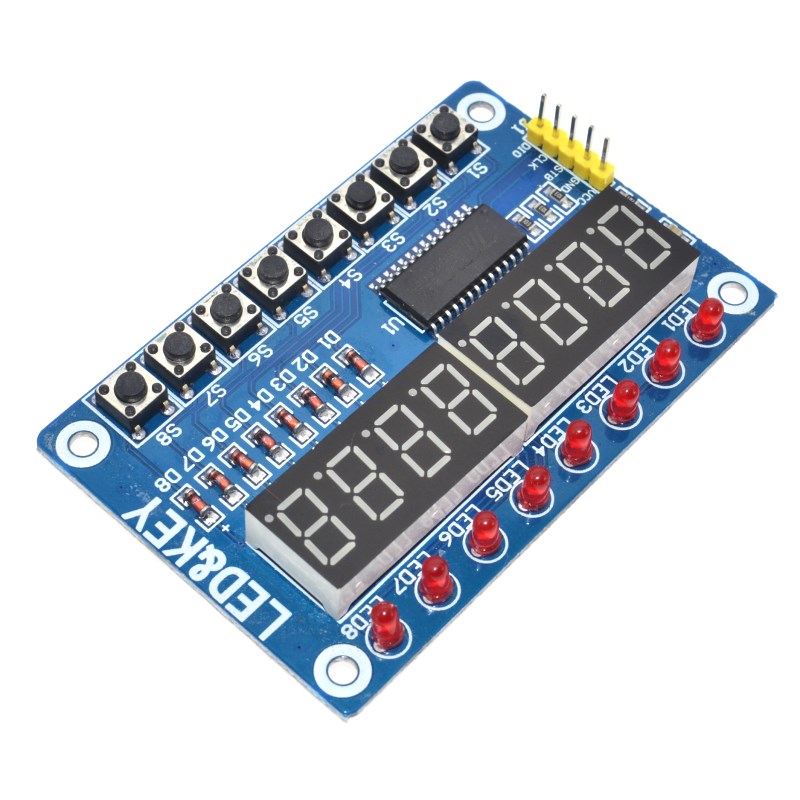
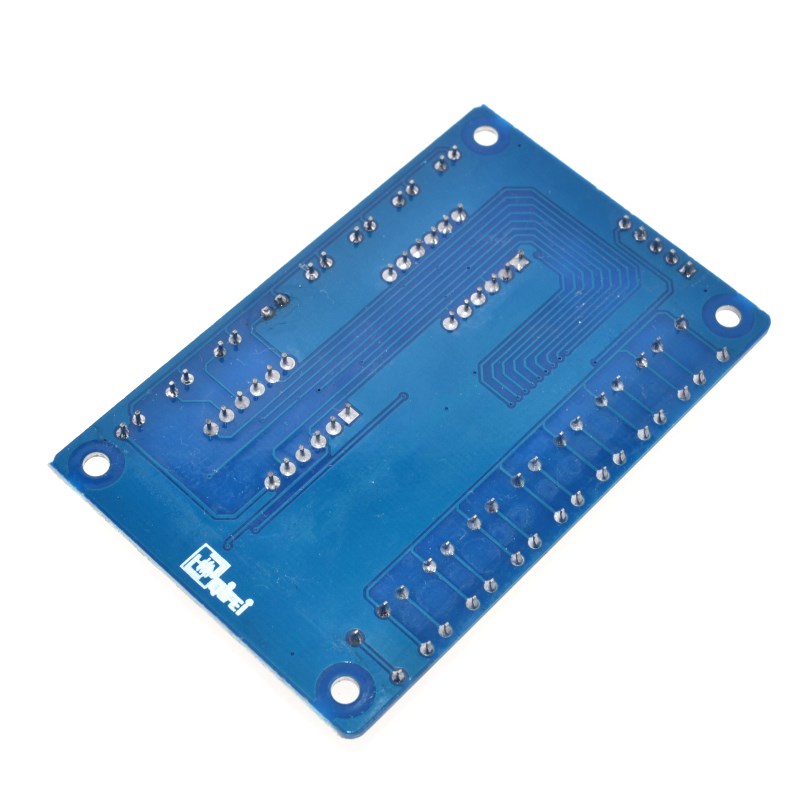
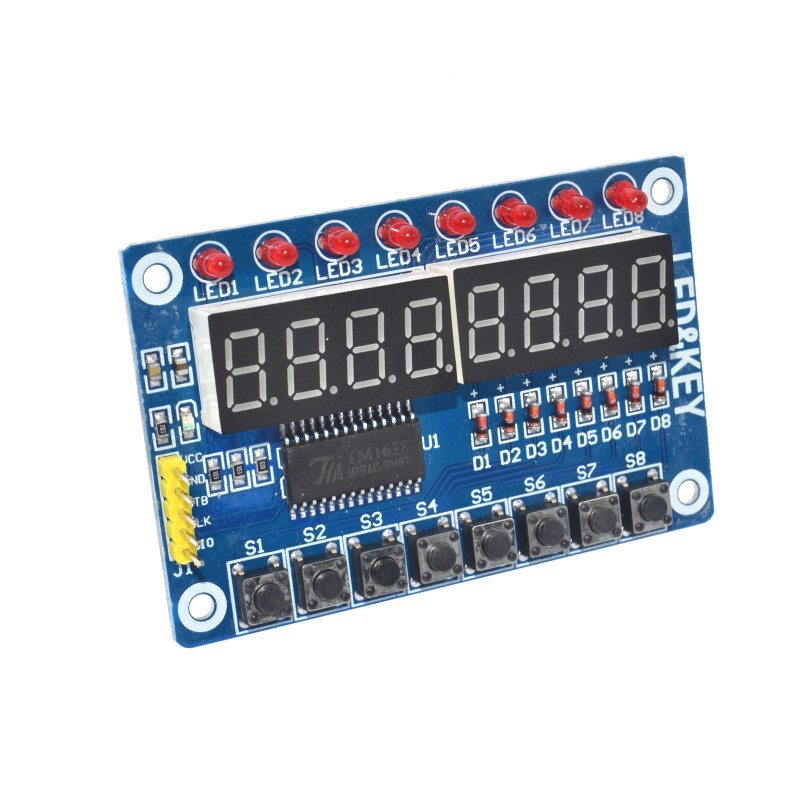
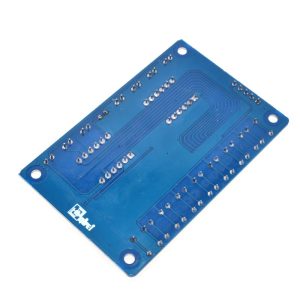
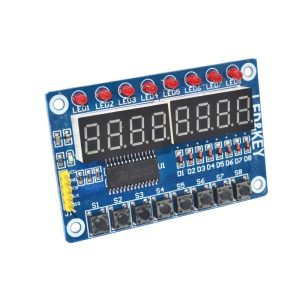
The TM1638 Multipurpose Display Module is a versatile, all-in-one interface board that combines an 8-digit 7-segment LED display, 8 individual indicator LEDs, and 8 programmable push buttons on a single compact PCB. Built around the TM1638 controller chip, this module is designed for applications requiring numeric display, status indication, and user input — all controlled through a simple 3-wire serial interface that uses only three microcontroller pins.
At the heart of the module is the TM1638, a dedicated LED driver and key-scan controller. It handles all the multiplexing, digit driving, and key scanning internally, freeing your microcontroller from these tasks. The module communicates via a 3-wire SPI-like interface (STB, CLK, DIO), making it compatible with virtually any microcontroller including Arduino, ESP32, STM32, and Raspberry Pi. The 5V operating voltage and standard pinout ensure easy integration into existing projects.
The 8-digit 7-segment LED display provides clear numeric output for values such as time, temperature, counters, and sensor readings. The digits are typically red with a bright, high-contrast appearance. The 8 individual indicator LEDs can be used for status indication — showing power, mode, alarm, or other system states. Each LED is independently controllable.
The 8 programmable push buttons provide user input without requiring additional GPIO pins. Each button is scanned by the TM1638 and reported to the microcontroller, making it easy to build menus, settings interfaces, and control panels. The buttons are tactile and have a positive click feel, suitable for repeated use.
The module is widely used in digital clocks, counters, scoreboards, temperature controllers, industrial control panels, and DIY electronics projects. It is also popular for Arduino learning and STEM education due to its simple interface and rich feature set.
Supported development environments include Arduino IDE (with the TM1638 library by Ricardo Batista or similar), ESP-IDF, and MicroPython. The library provides simple functions for displaying numbers, setting LEDs, and reading button states.
Whether you are building a custom digital clock, a control panel for a machine, or an interactive display for your project, the TM1638 Multipurpose Display Module provides a compact, integrated solution that saves pins, reduces wiring, and simplifies your design. It is suitable for individual makers, students, and businesses purchasing in bulk for product development or educational programs.
Features
-
TM1638 controller chip — Handles LED driving and key scanning internally
-
8-digit 7-segment LED display — Clear numeric output for values and readings
-
8 individual indicator LEDs — Independent status indication
-
8 programmable push buttons — User input without additional GPIO pins
-
3-wire serial interface — Uses only three microcontroller pins (STB, CLK, DIO)
-
5V operating voltage — Compatible with Arduino, ESP32, STM32, and Raspberry Pi
-
Bright, high-contrast display — Red digits with clear visibility
-
Tactile buttons — Positive click feel for reliable input
-
Wide library support — Compatible with TM1638 Arduino libraries
-
Compact form factor — Integrated design saves space and wiring
Technical Specifications
| # | Parameter | Specification |
|---|---|---|
| 1 | Controller IC | TM1638 |
| 2 | Display Type | 8-digit 7-segment LED |
| 3 | Indicator LEDs | 8 individual LEDs |
| 4 | Push Buttons | 8 programmable tactile buttons |
| 5 | Interface | 3-wire serial (STB, CLK, DIO) |
| 6 | Operating Voltage | 5V DC |
| 7 | Display Color | Red (typical) |
| 8 | Module Dimensions | Approx. 76 × 41 mm |