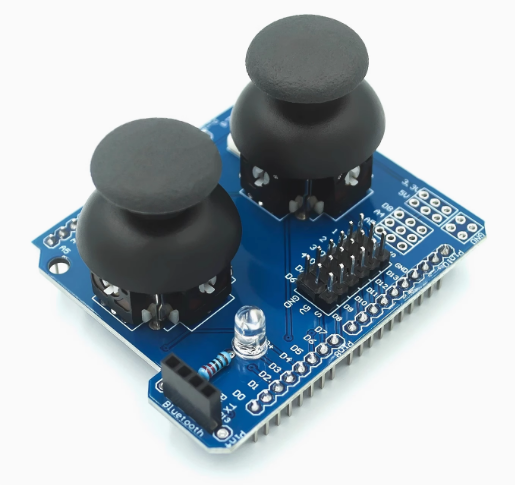
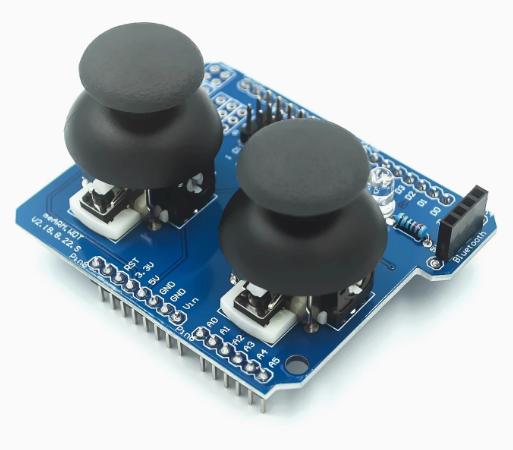
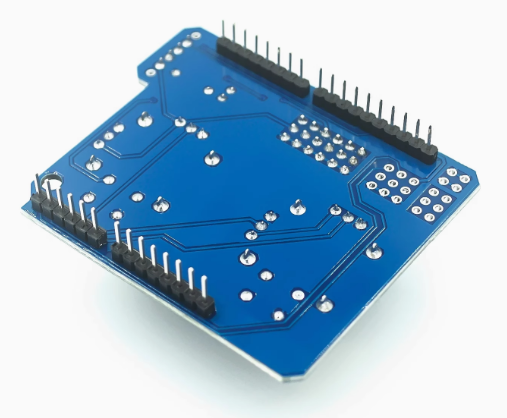
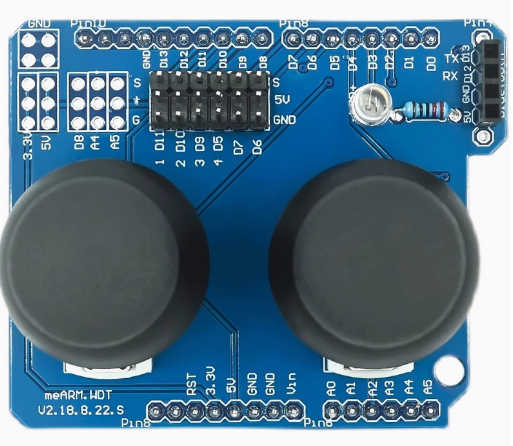
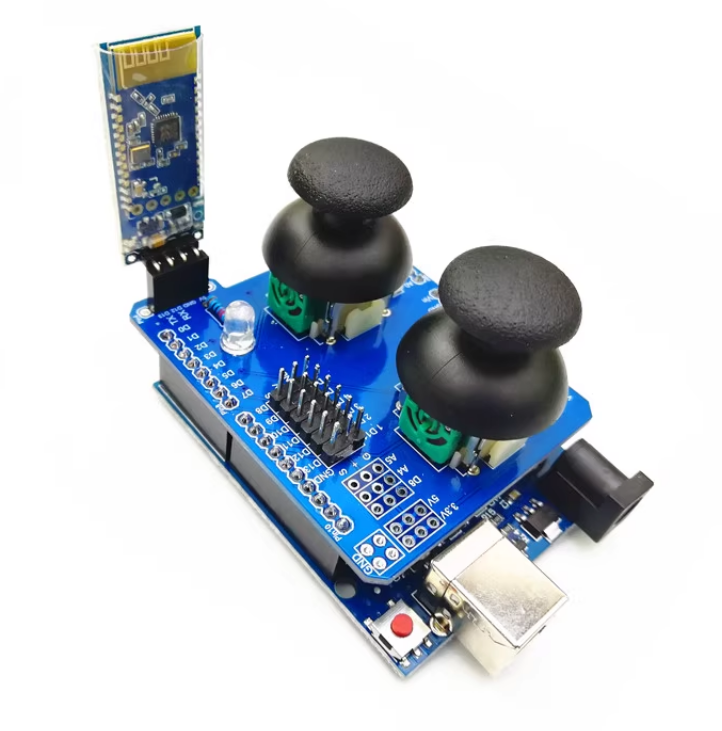
Dual-axis PS2 Game Controller Breakout Board – Compatible with UNO R3

SKU: FA3015-2
Module Type

Dual-axis analog joystick breakout board

Axes

2 analog (X, Y) + 1 digital (Z button)

Potentiometer Resistance

10kΩ per axis

Operating Voltage

3.3V – 5V DC

Output Type

Analog (VRx, VRy) + Digital (SW)

Center Voltage

Approximately VCC/2

Pin Count

5 pins (VCC, GND, VRx, VRy, SW)

Compatibility

Arduino UNO R3, ESP32, STM32, Raspberry Pi

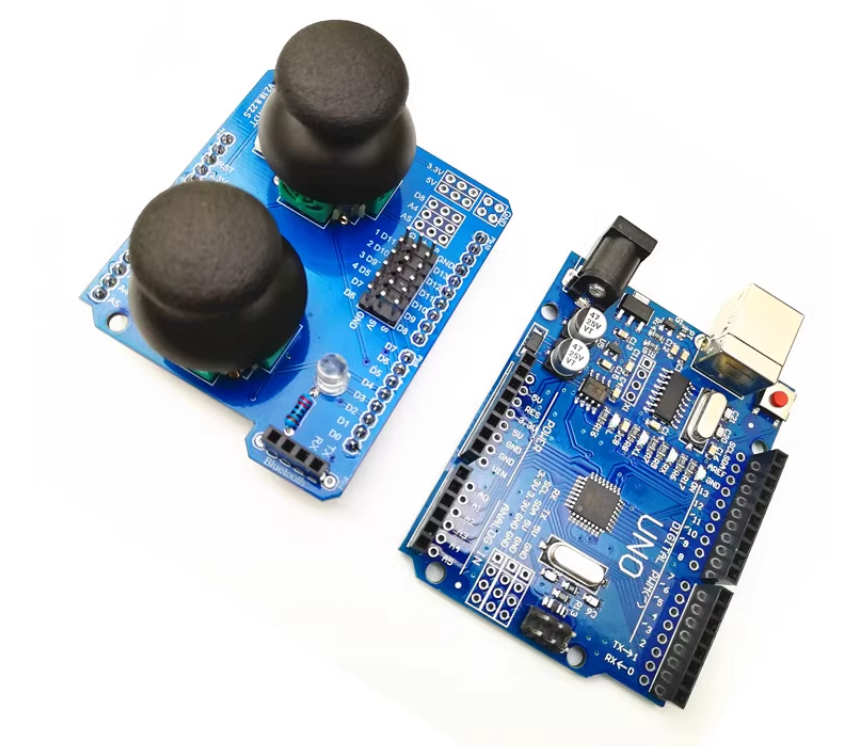
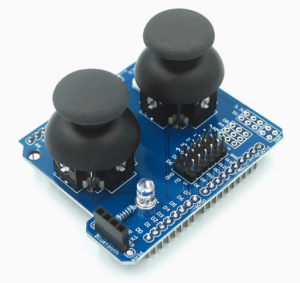
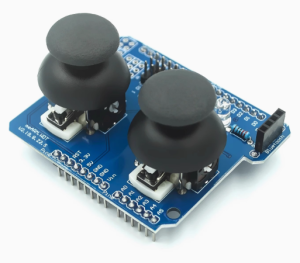
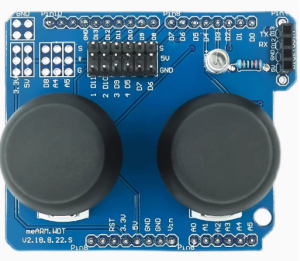
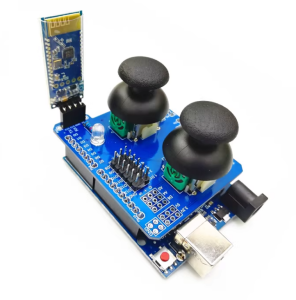
The Dual-Axis PS2 Game Controller Breakout Board is a compact, ready-to-use input module designed for Arduino UNO R3 and other microcontroller projects. It features a 2-axis analog joystick (X and Y) plus a built-in push button (Z-axis), providing precise directional control and a selectable action in a single, easy-to-integrate board. It is an ideal solution for robotics, game controllers, camera pan-tilt systems, menu navigation, and DIY electronics projects.

At the heart of the board is a PS2-style thumbstick with two 10kΩ potentiometers arranged perpendicularly to sense movement along the X and Y axes. Each axis outputs an analog voltage that varies with the joystick’s position, centered at approximately VCC/2 when the stick is at rest. Moving the stick changes the voltage on each axis, allowing your microcontroller to read the precise position and direction of movement. The built-in push button activates when the stick is pressed down, providing an additional digital input for selection or action commands.

The board features five pins for easy connection: VCC, GND, VRx (X-axis analog output), VRy (Y-axis analog output), and SW (button digital output). The analog outputs connect directly to your microcontroller’s ADC pins, while the button output connects to a digital input pin. This simple interface makes the module compatible with Arduino UNO R3, ESP32, STM32, Raspberry Pi, and other microcontrollers.

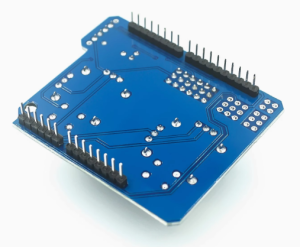
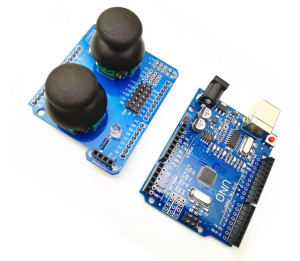
The breakout board design includes a standard 0.1-inch pin header that plugs directly into a breadboard or connects to your microcontroller with jumper wires. The compact form factor with mounting holes allows easy integration into custom enclosures, handheld controllers, and robot chassis. The ergonomic thumbstick design provides comfortable, precise control for extended use. The board operates from a 3.3V to 5V DC supply, making it compatible with both modern low-power microcontrollers and traditional 5V systems.

The Dual-Axis PS2 Game Controller Breakout Board is widely used in robotics, RC vehicles, game controllers, camera gimbals, pan-tilt mechanisms, menu navigation systems, robot arm control, and educational STEM projects. It is also popular in DIY electronics and maker projects where precise directional input is required.

Important Note: The joystick’s analog outputs are centered at approximately VCC/2 when at rest. In your code, you should calibrate the center position and apply a dead zone to prevent drift or unintended movement. The module is not waterproof and should be kept dry. For long-term reliability, avoid applying excessive force to the thumbstick beyond its mechanical limits.

Whether you are building a robot, a game controller, or an interactive project, the Dual-Axis PS2 Game Controller Breakout Board provides a reliable, affordable solution for precise 2-axis control with button input. It is suitable for individual makers, students, and businesses purchasing in bulk for product development or educational programs.

Features

  • 2-axis analog control — X and Y axes with 10kΩ potentiometers for precise positioning

  • Built-in push button — Z-axis button for selection and action commands

  • Analog voltage output — Centered at VCC/2, varies with joystick position

  • 5-pin interface — VCC, GND, VRx, VRy, SW for simple connection

  • Arduino UNO R3 compatible — Plugs directly into standard 0.1-inch headers

  • Wide voltage range — 3.3V to 5V DC, compatible with Arduino, ESP32, STM32, Raspberry Pi

  • Ergonomic thumbstick — Comfortable, precise control for extended use

  • Compact breakout board — With mounting holes for easy integration

  • Wide application range — Robotics, game controllers, camera gimbals, menu navigation

  • Cost-effective — Affordable solution for joystick input in volume production

Technical Specifications 

# Parameter Specification
1 Module Type Dual-axis analog joystick breakout board
2 Axes 2 analog (X, Y) + 1 digital (Z button)
3 Potentiometer Resistance 10kΩ per axis
4 Operating Voltage 3.3V – 5V DC
5 Output Type Analog (VRx, VRy) + Digital (SW)
6 Center Voltage Approximately VCC/2
7 Pin Count 5 pins (VCC, GND, VRx, VRy, SW)
8 Compatibility Arduino UNO R3, ESP32, STM32, Raspberry Pi

Usage

Getting Started

  1. Connect power — Supply 3.3V or 5V DC to the VCC pin and GND to ground.

  2. Connect the analog outputs — Connect VRx to an analog input pin (e.g., A0 on Arduino) and VRy to another analog input pin (e.g., A1).

  3. Connect the button — Connect SW to a digital input pin (e.g., D2 on Arduino). Enable the internal pull-up resistor if needed.

  4. Upload a test sketch — Read the analog values from VRx and VRy, and the digital state from SW. Observe the values change as you move the joystick and press the button.

  5. Calibrate the center — Record the resting values of VRx and VRy (typically around 512 on a 10-bit ADC). Use these as your center reference.

  6. Apply a dead zone — In your code, ignore small movements near the center to prevent drift and unintended input.

Pin Connections

Module Pin Function
VCC Power (3.3V–5V)
GND Ground
VRx X-axis analog output
VRy Y-axis analog output
SW Button digital output (LOW when pressed)

Example Arduino Code

cpp
#define VRX_PIN A0
#define VRY_PIN A1
#define SW_PIN  2

void setup() {
  Serial.begin(9600);
  pinMode(SW_PIN, INPUT_PULLUP);
}

void loop() {
  int xValue = analogRead(VRX_PIN);
  int yValue = analogRead(VRY_PIN);
  int buttonState = digitalRead(SW_PIN);

  Serial.print("X: "); Serial.print(xValue);
  Serial.print(" Y: "); Serial.print(yValue);
  Serial.print(" Button: "); Serial.println(buttonState);

  delay(100);
}

Typical Applications

  • Robotics — Manual control of robot movement and steering

  • RC vehicles — Remote control of cars, boats, and drones

  • Game controllers — Custom gamepad and joystick projects

  • Camera gimbals — Pan-tilt control for cameras and sensors

  • Menu navigation — Directional input for embedded UIs

  • Robot arm control — Multi-axis manipulation

  • Educational STEM projects — Teaching analog input and control principles

Notes for Business Buyers

  • Arduino UNO R3 compatible — Plugs directly into standard 0.1-inch headers.

  • Simple interface — Direct connection to ADC and digital input pins.

  • Compact design — With mounting holes for easy integration into projects.

  • Suitable for bulk purchasing — Ideal for robotics kit manufacturers, game controller makers, and educational institutions.

Q: What is the Dual-Axis PS2 Game Controller Breakout Board used for?

It is a 2-axis analog joystick with a push button, used for robotics control, game controllers, camera gimbals, menu navigation, and educational STEM projects.

Q: It is a 2-axis analog joystick with a push button, used for robotics control, game controllers, camera gimbals, menu navigation, and educational STEM projects.

It has 2 analog axes (X and Y) plus a digital push button (Z-axis) for selection and action commands.

Q: What voltage does the module require?

It operates from 3.3V to 5V DC, making it compatible with Arduino, ESP32, STM32, and Raspberry Pi.

Q: Is this board compatible with Arduino UNO R3?

Yes. The breakout board features a standard 0.1-inch pin header that plugs directly into the UNO R3 or connects via jumper wires.

Q: What are the center values of the joystick?

The center values are approximately VCC/2, which is around 512 on a 10-bit ADC (0–1023) when powered at 5V.

Q: Why does my joystick drift when at rest?

Minor drift is normal due to potentiometer tolerances. Apply a dead zone in your code (e.g., ignore values within ±50 of center) to prevent unintended movement.

Q: Does the button need a pull-up resistor?

Yes. Use the microcontroller’s internal pull-up resistor by setting pinMode(SW_PIN, INPUT_PULLUP), or add an external 10kΩ pull-up resistor.

Q: Is the module waterproof?

No. The module is not waterproof and should be kept dry.

Q: Can I use this module with a 3.3V microcontroller?

Yes. The module operates from 3.3V to 5V DC, making it compatible with both voltage levels.

Q: Can I purchase in bulk for a product development project?

Yes. This module is suitable for both individual users and business purchasing, including robotics kit manufacturers, game controller makers, and educational institutions.