Arduino UNO R3 Motor Shield Pro – L293D Dual H-Bridge DC Motor & Servo Driver Board

SKU: FA2065-0
Driver IC

L293D (dual H-bridge) × 2

Motor Channels

4 DC motors or 2 stepper motors

Continuous Current

600mA per channel

Peak Current

1.2A per channel

Motor Supply Voltage

4.5V – 25V

Logic Supply Voltage

5V (from Arduino)

Servo Connectors

2 × 3-pin headers

Board Dimensions

UNO-compatible shield footprint

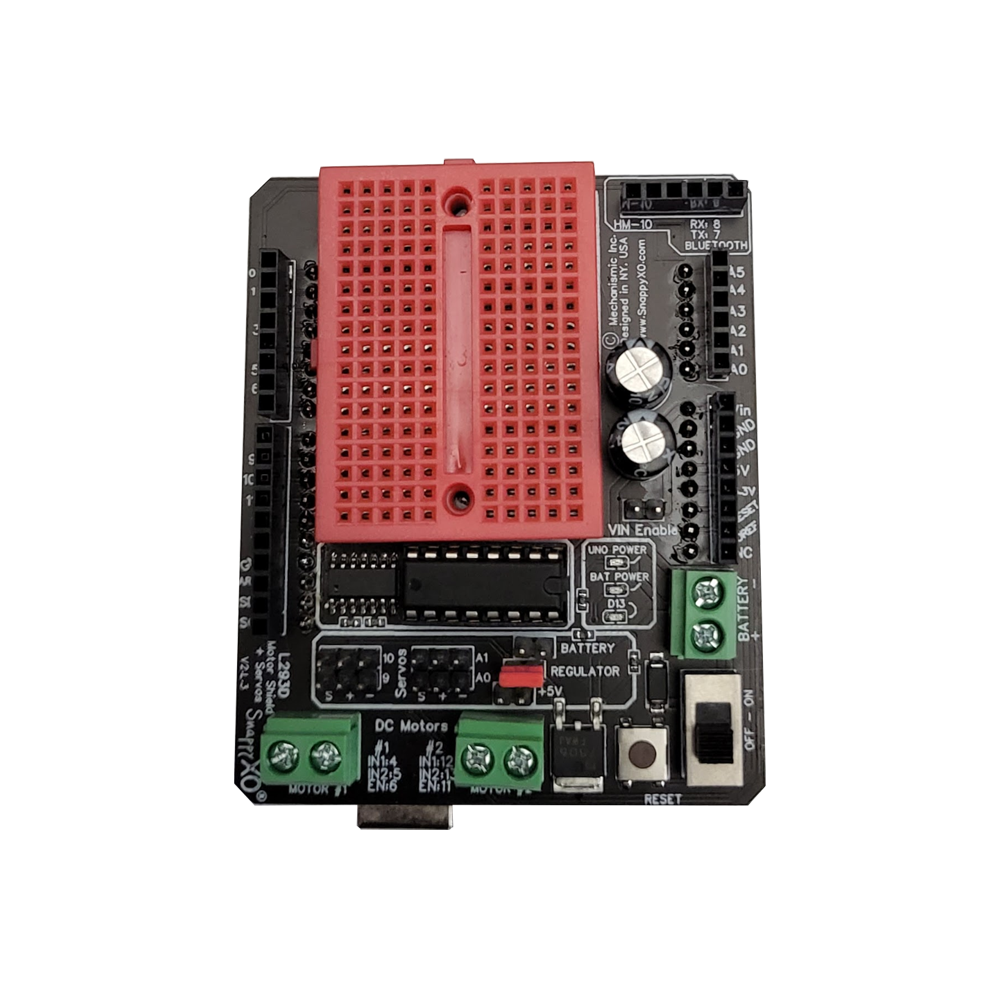
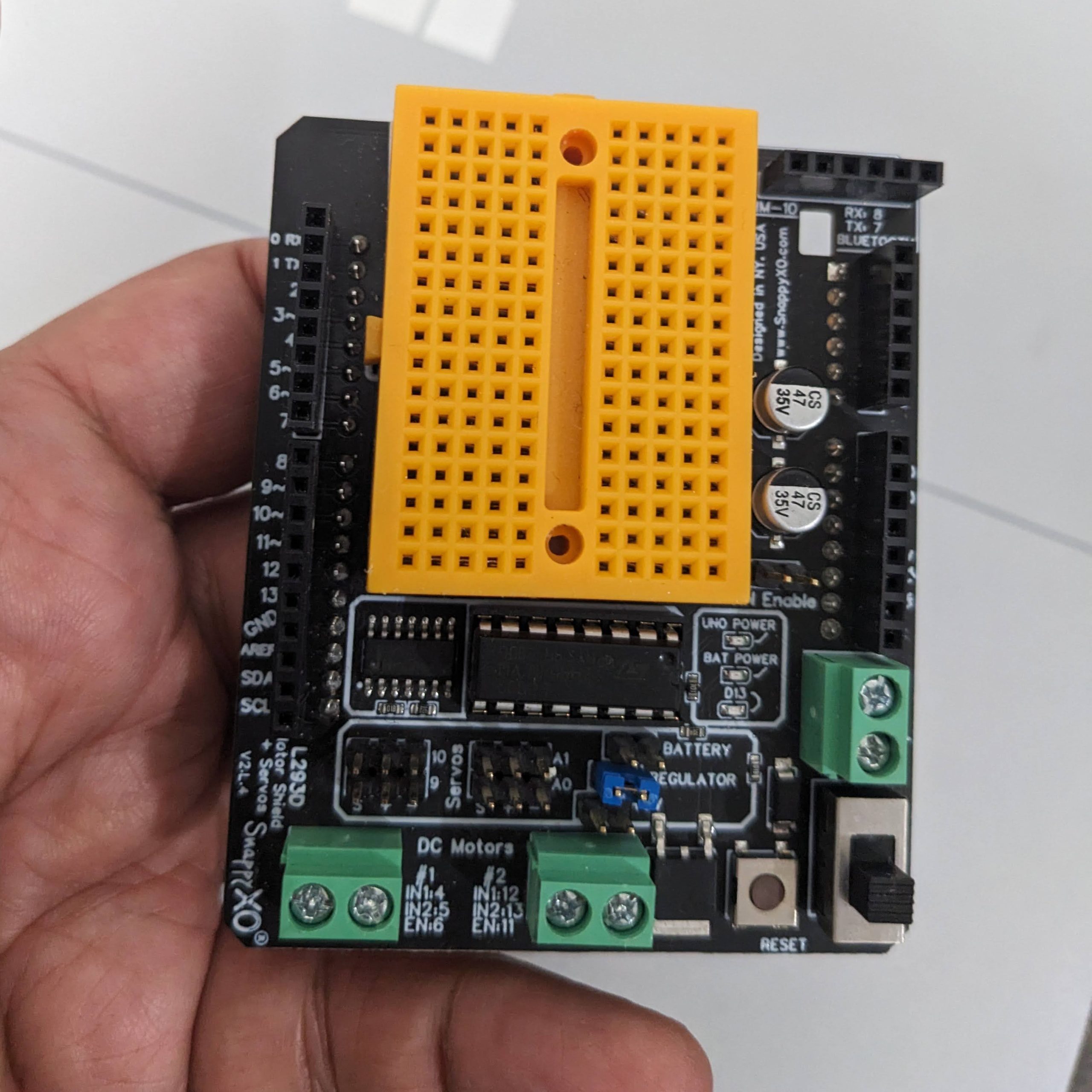
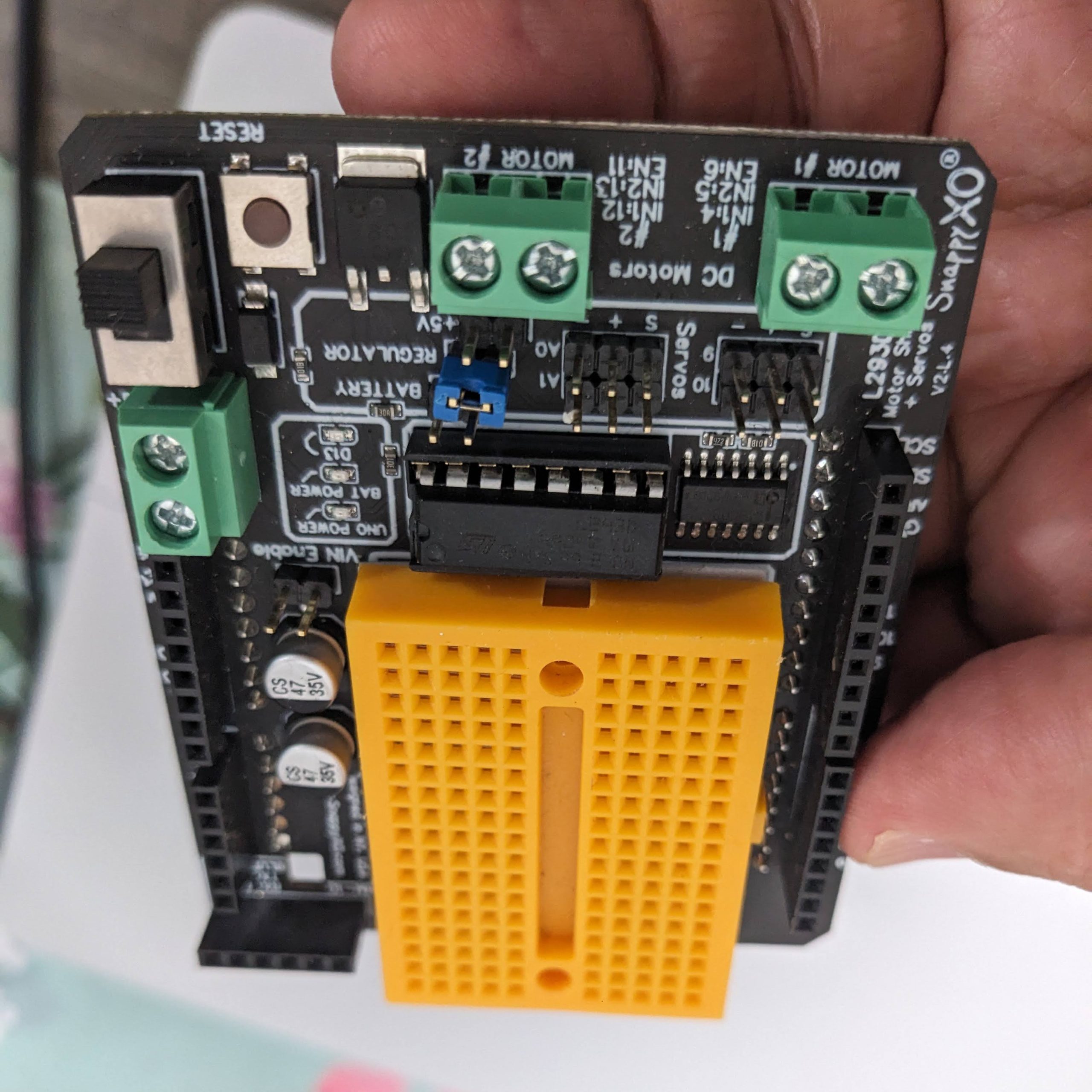
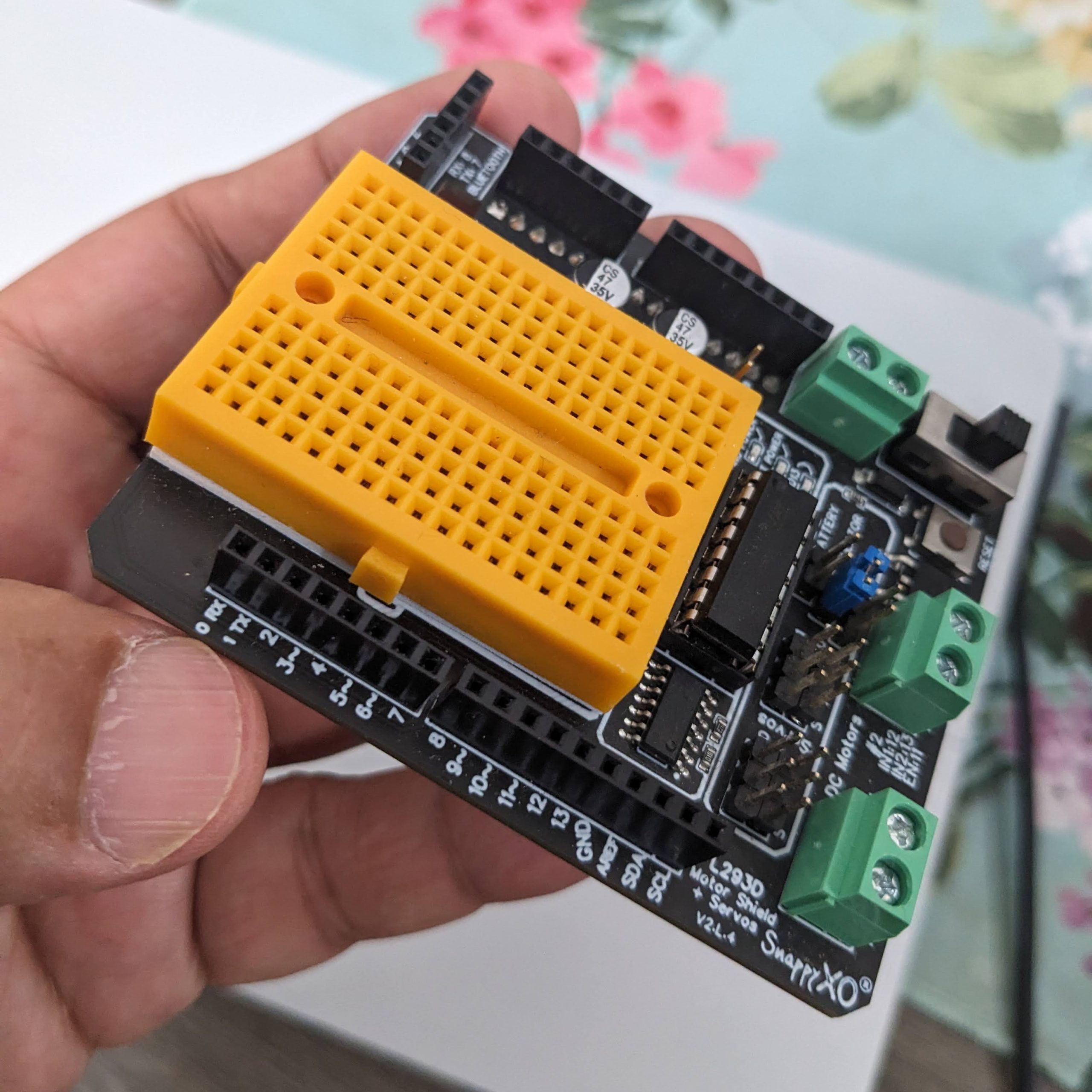
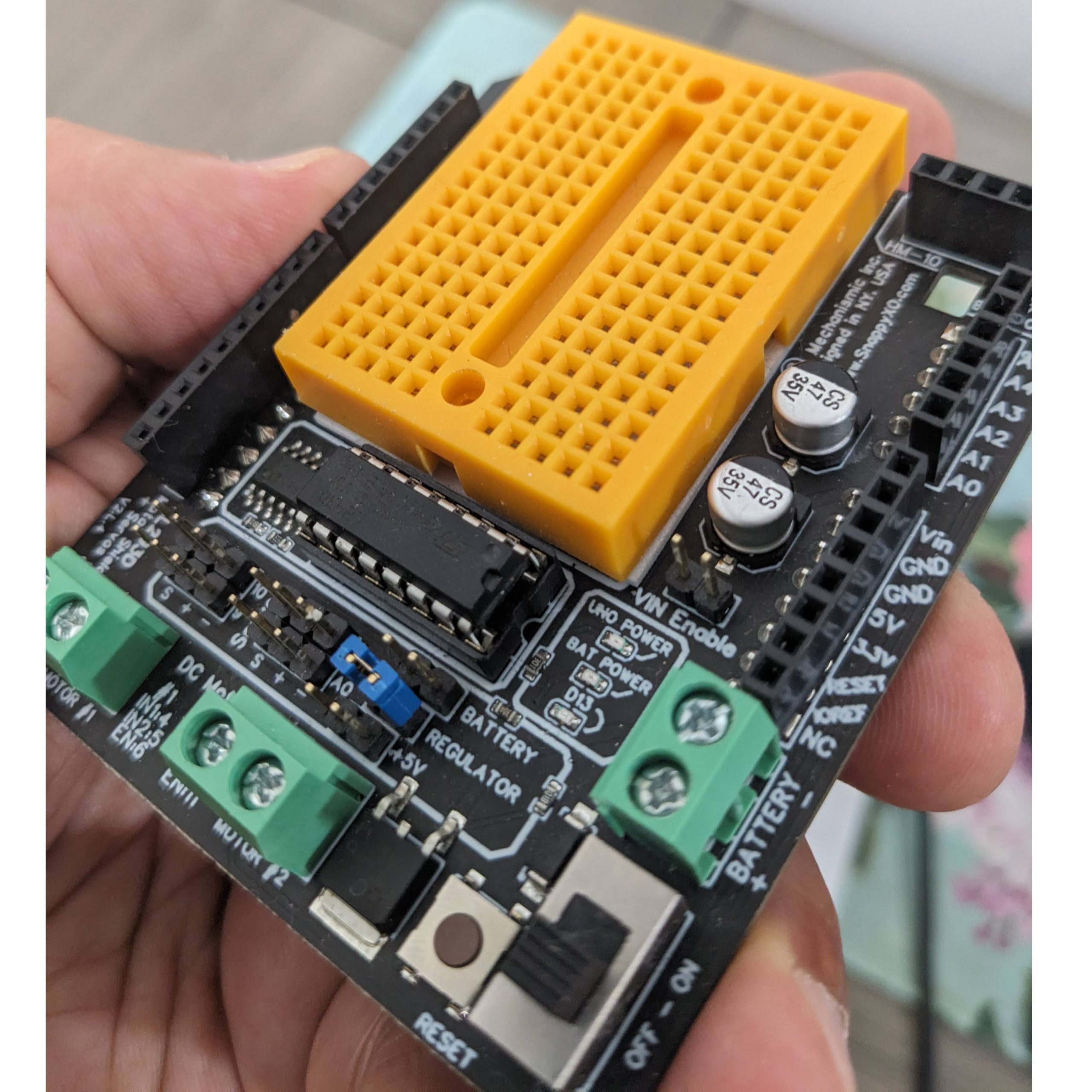
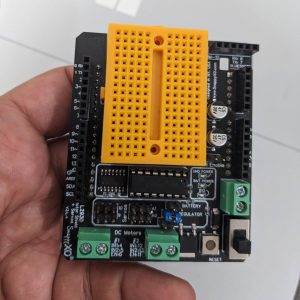
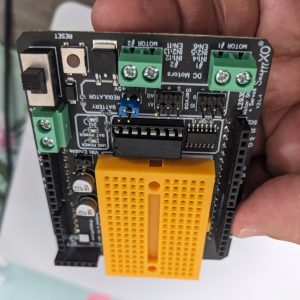
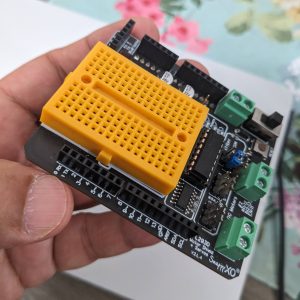
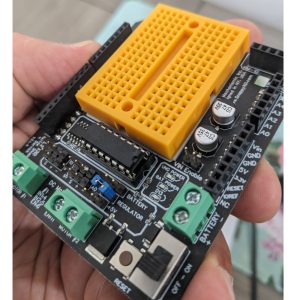
The Arduino UNO R3 Motor Shield Pro is a powerful, stackable expansion board designed to drive DC motors, stepper motors, and servos directly from your Arduino UNO or compatible board. Built around the L293D dual H-bridge driver IC, it provides a complete motor control solution that eliminates the need for external motor driver modules and complex wiring.

At the heart of the shield are two L293D H-bridge chips, each capable of driving a single DC motor or one winding of a stepper motor. Together, they support up to 4 DC motors or 2 stepper motors (unipolar or bipolar) with independent direction and speed control. Each channel delivers 600mA continuous current (1.2A peak) at voltages from 4.5V to 25V, making it suitable for a wide range of small to medium-sized motors.

The shield features onboard PWM speed control for each motor channel, allowing precise speed regulation through the Arduino’s PWM pins. The L293D’s built-in flyback diodes protect the driver ICs from voltage spikes generated by inductive motor loads, ensuring reliable operation and long-term durability.

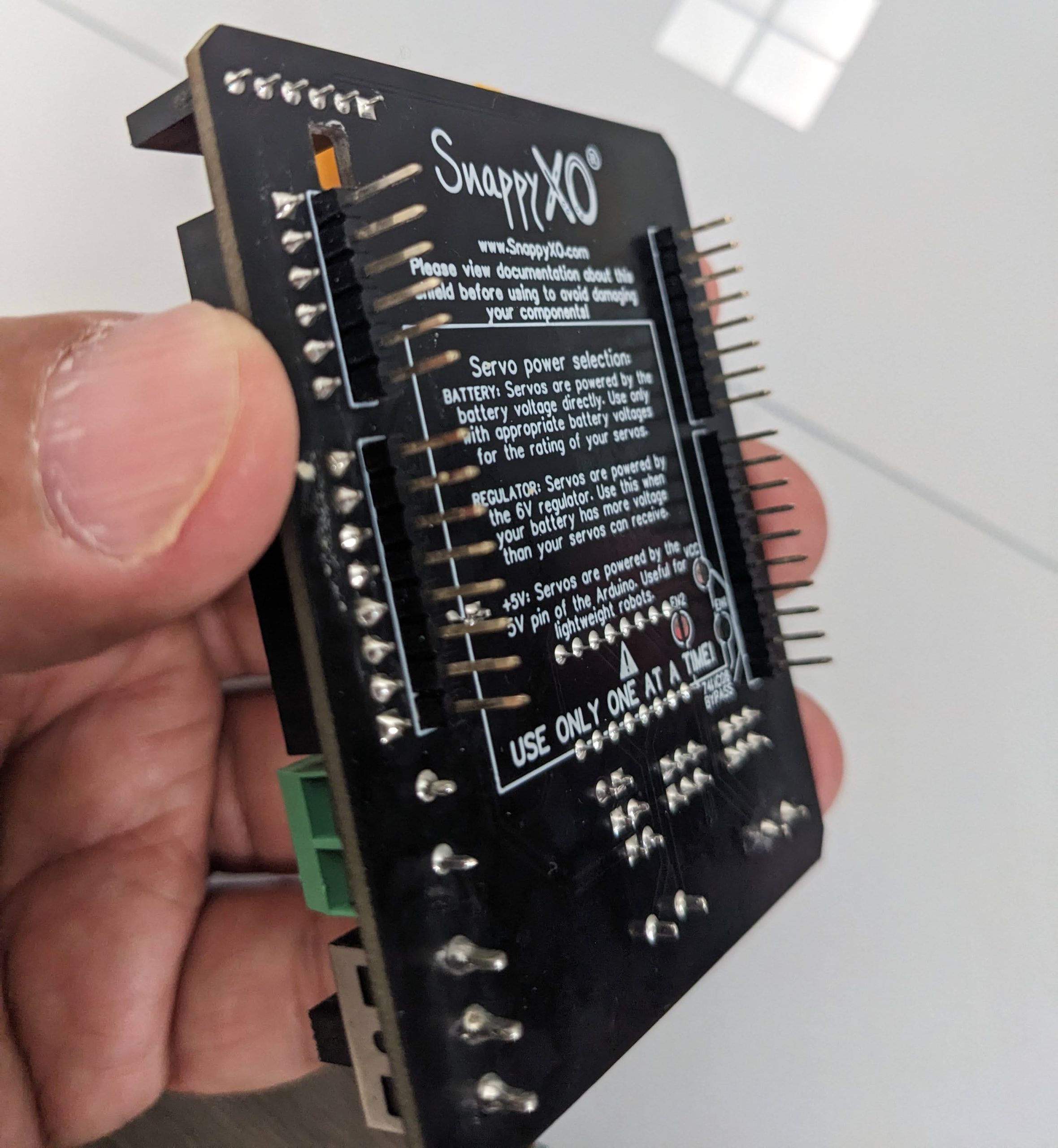
A standout feature of the Motor Shield Pro is the onboard 5V regulator with a jumper-selectable power source. You can power the motors from an external supply (recommended) while the Arduino remains powered via USB, or use the shield’s regulator to power both. The screw terminals provide secure connections for motor wires and external power, while the onboard servo headers allow you to connect up to 2 servos directly without additional wiring.

The shield is fully stackable with other Arduino shields, and the ICSP header remains accessible for programming. The reset button is also extended for easy access. The board is assembled and ready to use, with clear silkscreen labeling for all motor and power connections.

Whether you are building a robot, a remote-controlled vehicle, a CNC machine, or an automated project requiring precise motor control, the Arduino UNO R3 Motor Shield Pro provides a reliable, well-documented foundation. It is suitable for individual makers, students, and businesses purchasing in bulk for product development or educational programs.


Features

  • L293D dual H-bridge driver — Two L293D chips support 4 DC motors or 2 stepper motors

  • PWM speed control — Independent speed regulation for each motor channel

  • High current capacity — 600mA continuous (1.2A peak) per channel

  • Wide voltage range — 4.5V to 25V motor supply voltage

  • Built-in flyback diodes — Protect driver ICs from inductive voltage spikes

  • Onboard 5V regulator — Jumper-selectable power source for flexible power management

  • Servo headers included — Connect up to 2 servos directly without additional wiring

  • Screw terminals — Secure connections for motor wires and external power

  • Stackable design — Compatible with other shields; ICSP header remains accessible

  • Reset button extended — Easy access to Arduino reset function


Technical Specifications

# Parameter Specification
1 Driver IC L293D (dual H-bridge) × 2
2 Motor Channels 4 DC motors or 2 stepper motors
3 Continuous Current 600mA per channel
4 Peak Current 1.2A per channel
5 Motor Supply Voltage 4.5V – 25V
6 Logic Supply Voltage 5V (from Arduino)
7 Servo Connectors 2 × 3-pin headers
8 Board Dimensions UNO-compatible shield footprint

Usage

Getting Started

  1. Stack the shield — Align the shield‘s headers with your Arduino UNO’s pin sockets and press firmly to seat. Ensure all pins are properly aligned.

  2. Connect motors — Use the screw terminals to connect your DC motors or stepper motors. Each motor channel has two terminals (M1, M2 for Motor A; M3, M4 for Motor B) .

  3. Connect power — Connect an external power supply (4.5V–25V) to the PWR terminals for motor power. Use the jumper to select between external power and the Arduino‘s 5V regulator.

  4. Connect servos (optional) — Plug servos into the 3-pin servo headers. These are powered from the 5V rail.

  5. Install the library — Use the Adafruit Motor Shield library or the AFMotor library for Arduino. These provide simple functions for DC motor speed/direction, stepper motor control, and servo positioning.

  6. Upload and test — Write a simple sketch to test motor operation. For a DC motor, use motor.run(FORWARD) and motor.setSpeed(200).

Pin Mapping

Function Arduino Pin
Motor A Direction D12, D13
Motor A PWM D3
Motor B Direction D7, D8
Motor B PWM D11
Servo 1 D9
Servo 2 D10

Power Configuration Notes

Jumper Setting Motor Power Source Arduino Power Source
Installed (default) External PWR terminal External PWR terminal
Removed External PWR terminal USB or external VIN

Typical Applications

  • Robotics — Drive wheels, arms, and grippers with precise speed and direction control

  • Remote-controlled vehicles — Build RC cars, tanks, and boats with DC motor drive

  • CNC and 3D printing — Control stepper motors for positioning systems

  • Automated projects — Conveyor belts, rotating platforms, and pan-tilt mechanisms

  • Educational projects — Teaching motor control, H-bridge operation, and PWM principles

Notes for Business Buyers

  • Complete motor control solution — Integrated H-bridges, regulators, and servo headers reduce external component count.

  • Proven platform — L293D is a widely used and well-documented motor driver IC.

  • Stackable design — Compatible with existing Arduino shields for expanded functionality.

  • Suitable for bulk purchasing — Ideal for educational kits, robotics programs, and product development.

Q: What motors can I drive with this shield?

It drives DC motors, stepper motors (unipolar or bipolar), and servos. You can control up to 4 DC motors, 2 stepper motors, or 2 servos simultaneously.

Q: How many DC motors can I control?

The shield supports up to 4 DC motors using two L293D chips, each providing two H-bridge channels.

Q: What is the maximum current per channel?

Each channel delivers 600mA continuous (1.2A peak). For higher-current motors, consider a dedicated motor driver module.

Q: What is the motor supply voltage range?

The motor supply voltage range is 4.5V to 25V. Connect an external power supply to the PWR terminals for motor power.

Q: Do I need an external power supply for the motors?

It is recommended. While the shield has an onboard 5V regulator, using an external supply for motors prevents overloading the Arduino‘s regulator and provides more stable operation.

Q: What library do I use with this shield?

Use the Adafruit Motor Shield library (AFMotor). It provides simple functions for DC motor speed/direction, stepper motor control, and servo positioning.

Q: What is the jumper on the shield for?

The jumper selects the power source for the logic and motor circuits. With the jumper installed, the shield uses external power. Removing the jumper allows the Arduino to be powered via USB while motors use external power.

Q: Can I use this shield with Arduino Mega?

The shield is designed for the UNO form factor. It can be used with Mega, but pin mapping may differ, and some pins may not align. Check the library documentation for compatibility.

Q: Does the shield come assembled?

Yes. The shield comes fully assembled with all headers, terminals, and driver ICs pre-installed, ready to stack onto your Arduino.

Q: Can I purchase in bulk for a school or company?

Yes. This motor shield is suitable for both individual users and business purchasing, including classroom kits, robotics programs, and product development.