
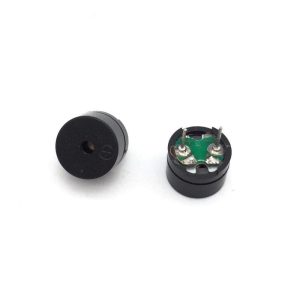
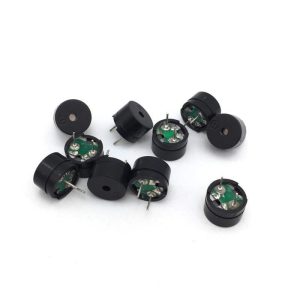
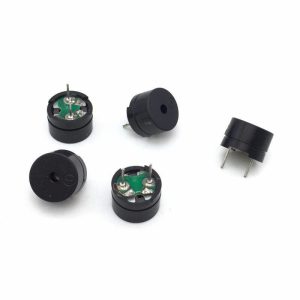
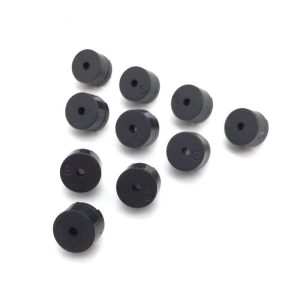
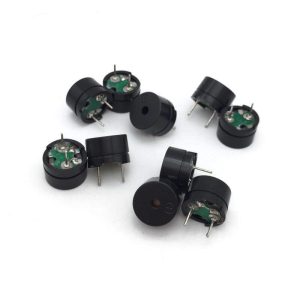
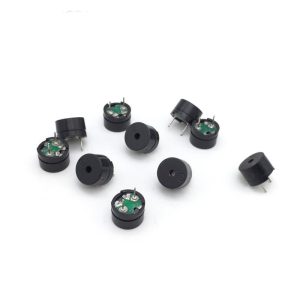
Passive Buzzer 5V 12095

SKU: FA3049-1
Buzzer Type

Passive Piezoelectric Buzzer (external drive)

Rated Voltage

5V DC (driving signal)

Drive Method

PWM signal or AC signal (external)

Frequency Range

Approximately 300Hz – 5kHz (audible range)

Sound Pressure Level

Dependent on driving voltage and frequency

Package Size

Φ12mm × 9.5mm (DIP, 2-pin)

Mounting Type

Through-hole, 2-pin solderable

Operating Temperature

-20°C to +60°C (typical)

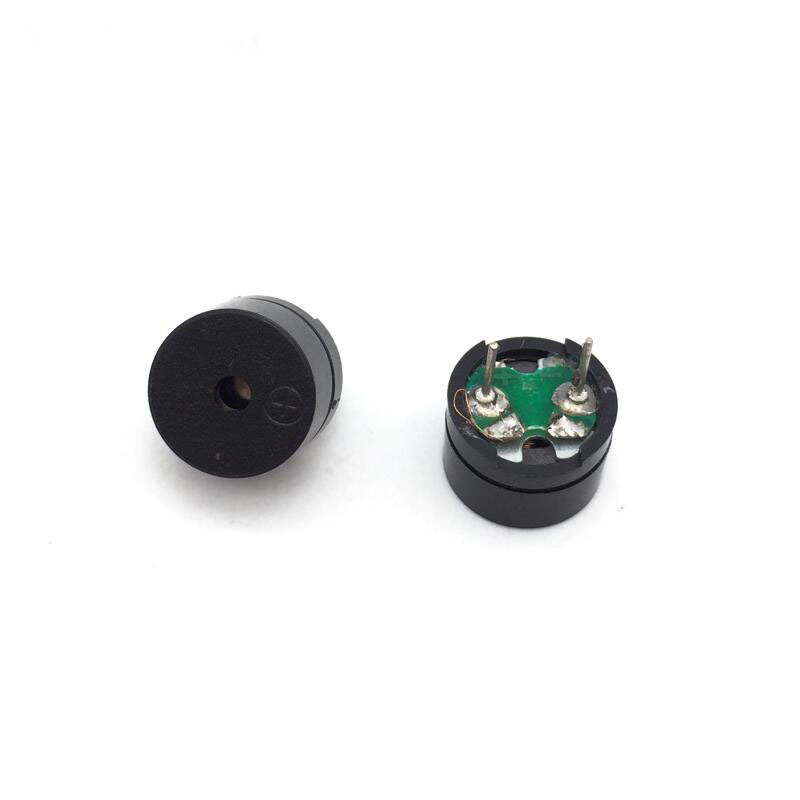
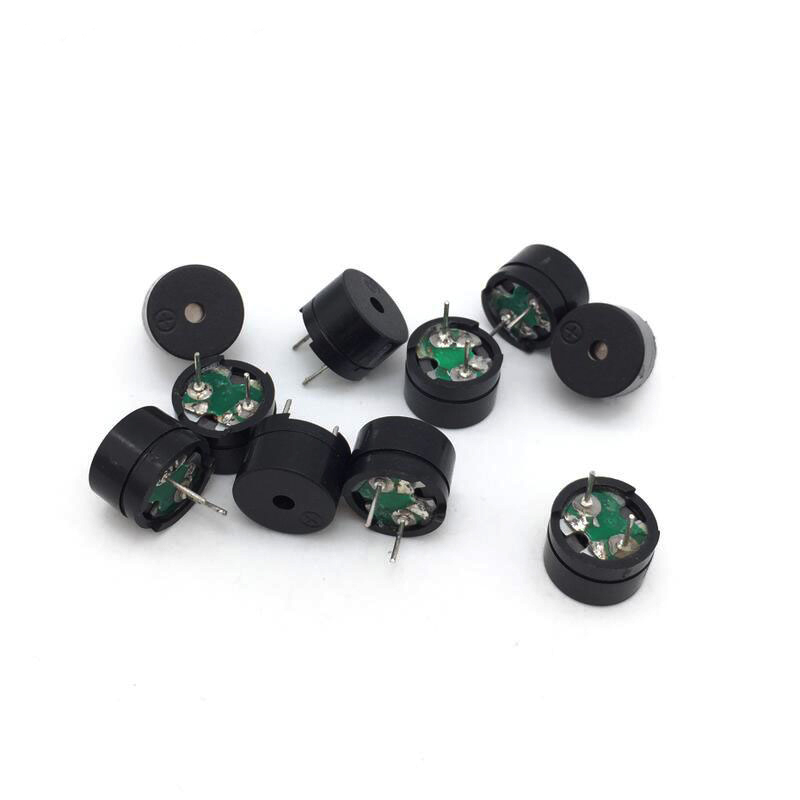
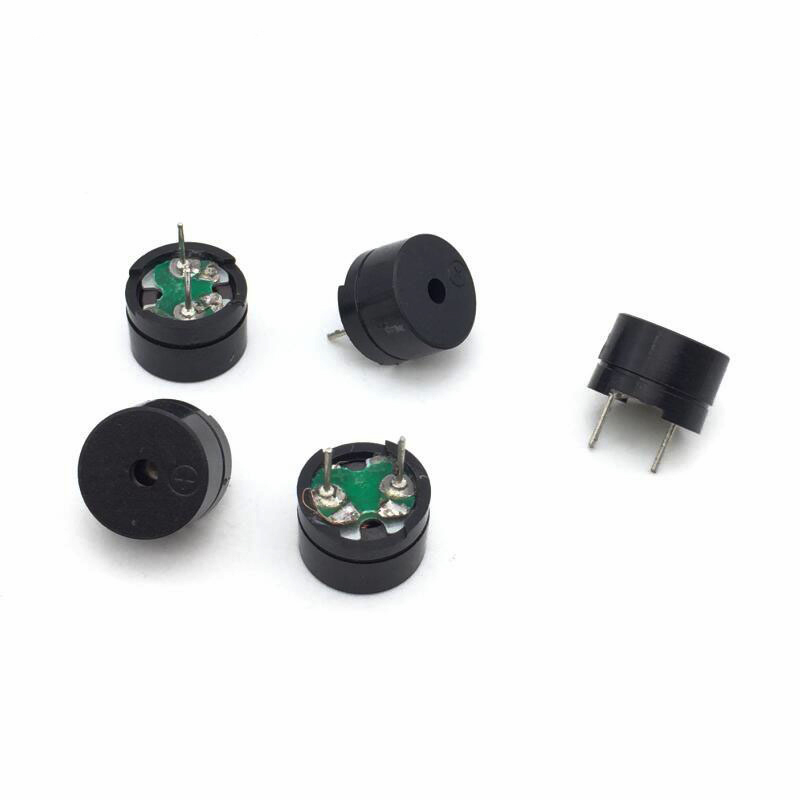
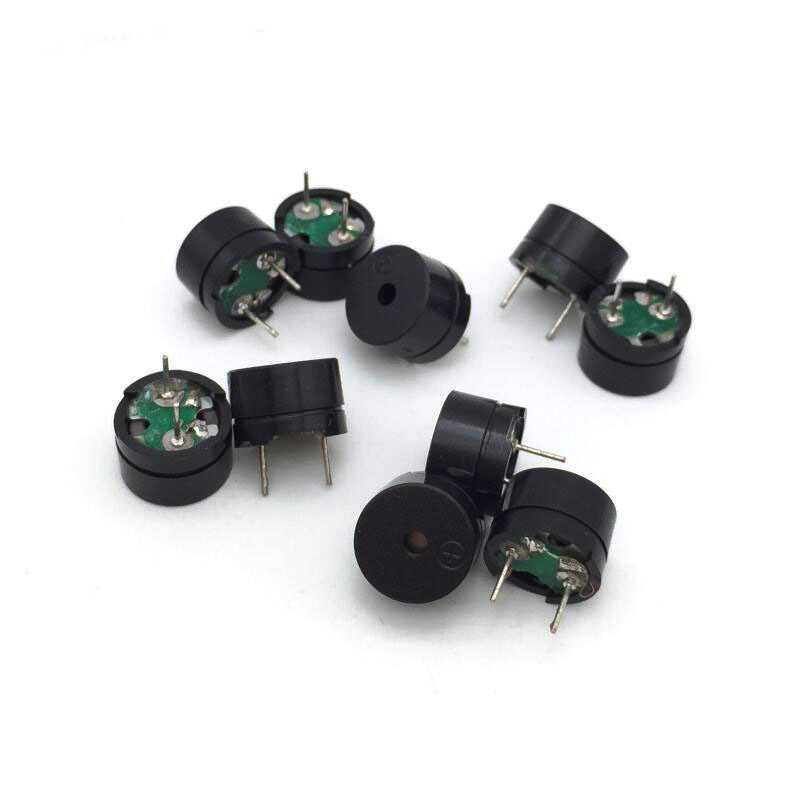
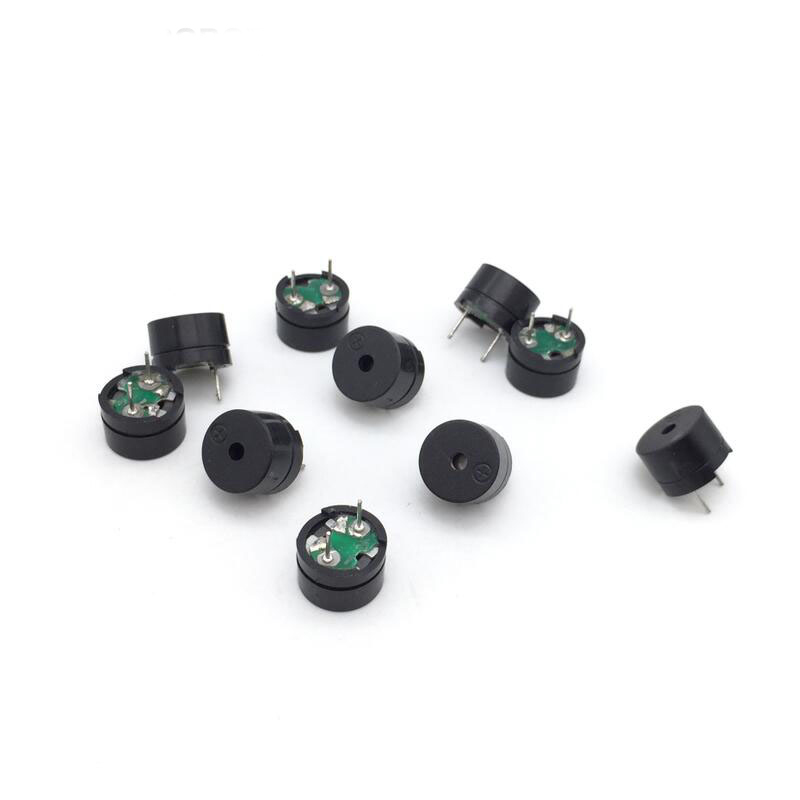
The Passive Buzzer 5V 12095 is a compact, versatile sound generator designed for a wide range of electronic applications requiring software-controlled tone generation. Housed in a standard 12mm × 9.5mm cylindrical package (12095 form factor), this passive buzzer contains no internal oscillator — it requires an external PWM (Pulse Width Modulation) signal or AC driving signal to produce sound. This makes it far more flexible than active buzzers, allowing you to generate different frequencies, musical notes, melodies, and sound effects entirely under software control.

At the heart of the buzzer is a piezoelectric ceramic element bonded to a metal diaphragm. When an alternating voltage is applied across the element, it expands and contracts, causing the diaphragm to vibrate and generate sound waves. The frequency of the sound is determined by the frequency of the driving signal — you can produce any tone within the audible range by varying the PWM frequency from your microcontroller. This enables the passive buzzer to play melodies, sirens, beeps, and complex sound sequences that are impossible with a simple active buzzer.

The 5V rated operating voltage makes this buzzer compatible with standard Arduino boards, 5V microcontroller systems, and USB-powered devices. It operates over a wide frequency range — typically from several hundred Hz to several kHz — allowing you to generate tones across the full musical scale and beyond. The low current consumption makes it suitable for battery-powered sound projects.

The buzzer features a 2-pin through-hole (DIP) package with standard pin spacing, making it easy to mount on breadboards and PCBs. The compact 12×9.5mm form factor is the standard 12095 footprint, ensuring compatibility with existing PCB layouts. The open-frame design provides clear sound output, and the polarity is marked on the housing for correct connection.

The Passive Buzzer 5V 12095 is widely used in alarm systems, musical projects, doorbells with custom tones, game controllers, interactive toys, notification devices, security systems, test instruments, and educational STEM projects. It is also popular in DIY electronics and maker projects where variable tones and melodies are required.

Important Note: This is a passive buzzer — it does not produce sound when connected directly to a DC voltage. You must provide a PWM signal (or an AC signal) to generate sound. Use the Arduino tone() function or a PWM output to drive the buzzer. For simple fixed-tone applications, use an active buzzer instead. The buzzer is not waterproof and should be kept dry. Avoid driving the buzzer at excessive volume for extended periods, as this may cause the piezo element to overheat or degrade over time.

Whether you are building a musical instrument, a custom alarm, or an interactive sound project, the Passive Buzzer 5V 12095 provides a flexible, affordable solution for PWM-controlled sound generation. It is suitable for individual makers, students, and businesses purchasing in bulk for product development or educational programs.

Features

  • Passive buzzer with external PWM drive — Flexible tone generation from software control

  • Wide frequency range — Produces tones from several hundred Hz to several kHz

  • Melody and sound effect capable — Play music, sirens, and complex sound sequences

  • 5V rated operating voltage — Compatible with Arduino and standard 5V systems

  • 2-pin through-hole package — Simple breadboard and PCB installation

  • Compact 12×9.5mm package — Standard 12095 form factor for easy PCB integration

  • Piezoelectric ceramic element — Low current draw, high efficiency

  • Open-frame design — Clear sound output with polarity marking

  • Wide application range — Alarms, musical projects, doorbells, game controllers, toys

  • Cost-effective — Affordable solution for variable tone generation in volume production

Technical Specifications 

# Parameter Specification
1 Buzzer Type Passive Piezoelectric Buzzer (external drive)
2 Rated Voltage 5V DC (driving signal)
3 Drive Method PWM signal or AC signal (external)
4 Frequency Range Approximately 300Hz – 5kHz (audible range)
5 Sound Pressure Level Dependent on driving voltage and frequency
6 Package Size Φ12mm × 9.5mm (DIP, 2-pin)
7 Mounting Type Through-hole, 2-pin solderable
8 Operating Temperature -20°C to +60°C (typical)

Usage

Getting Started

  1. Identify the pins — The passive buzzer has two pins. Polarity may be marked on the housing, though passive buzzers can often operate in either orientation.

  2. Connect power and signal — Connect one pin to a PWM-capable digital output on your microcontroller and the other pin to GND. For louder output, you can drive the buzzer through a transistor.

  3. Upload a test sketch — Use the Arduino tone() function to generate a frequency. Example: tone(BUZZER_PIN, 1000) produces a 1kHz tone.

  4. Play melodies — Define an array of frequencies and durations to play a melody or sound sequence.

  5. Implement control logic — Use the buzzer for alarms, notifications, musical output, or sound effects in your application.

Pin Connections

Buzzer Pin Function
Pin 1 Signal input (PWM)
Pin 2 Ground (GND)

Example Arduino Code (Simple Tone)

cpp
#define BUZZER_PIN 8

void setup() {
  pinMode(BUZZER_PIN, OUTPUT);
}

void loop() {
  tone(BUZZER_PIN, 1000);  // 1kHz tone
  delay(500);
  noTone(BUZZER_PIN);
  delay(500);
}

Example Arduino Code (Simple Melody)

cpp
#define BUZZER_PIN 8

int melody[] = {262, 294, 330, 349, 392, 440, 494, 523};
int noteDurations[] = {4, 4, 4, 4, 4, 4, 4, 4};

void setup() {
  for (int i = 0; i < 8; i++) {
    int duration = 1000 / noteDurations[i];
    tone(BUZZER_PIN, melody[i], duration);
    delay(duration * 1.3);
    noTone(BUZZER_PIN);
  }
}

void loop() {
  // Melody plays once
}

Typical Applications

  • Alarm systems — Custom alarm tones and warning sounds

  • Musical projects — Play melodies, scales, and musical notes

  • Doorbells — Custom doorbell chimes and tones

  • Game controllers — Sound effects for game events

  • Interactive toys — Variable sound effects for play

  • Notification devices — Custom notification tones for events

  • Test instruments — Audible alerts and status indication

  • Educational STEM projects — Teaching PWM, frequency, and sound generation

Notes for Business Buyers

  • Passive buzzer — Requires PWM signal; cannot produce sound from DC voltage alone.

  • Flexible tone generation — Software controls frequency and duration for melodies and effects.

  • Simple interface — Single PWM pin controls the buzzer.

  • Suitable for bulk purchasing — Ideal for toy makers, alarm system manufacturers, and educational institutions.

Q: What is the Passive Buzzer 5V 12095 used for?

It is a passive buzzer for PWM-driven sound generation, used in alarm systems, musical projects, doorbells, game controllers, interactive toys, and educational STEM projects.

Q: What is the difference between an active and passive buzzer?

An active buzzer has a built-in oscillator and produces a fixed tone when powered. A passive buzzer requires an external PWM signal and can produce different frequencies and melodies.

Q: What voltage does the buzzer require?

It operates at 5V DC for the driving signal, but the actual sound is produced by the PWM/AC signal, not the DC voltage.

Q: How do I control the buzzer?

Use the Arduino tone() function or a PWM output. Example: tone(BUZZER_PIN, 1000) produces a 1kHz tone.

Q: Can I play melodies with this buzzer?

Yes. By defining an array of frequencies and durations, you can play melodies, scales, and complex sound sequences.

Q: Why does my buzzer not produce sound when connected to DC voltage?

The passive buzzer requires an AC/PWM signal to produce sound. Connecting it directly to DC voltage will not generate a tone.

Q: What is the frequency range of the buzzer?

The buzzer produces tones across the audible range, approximately 300Hz to 5kHz.

Q: Can I use this buzzer with a 3.3V microcontroller?

Yes, but the volume will be lower than at 5V. For best results, use a transistor driver with a separate 5V supply.

Q: Is the buzzer waterproof?

No. The buzzer is not waterproof and should be kept dry.

Q: Can I purchase in bulk for a product development project?

Yes. This buzzer is suitable for both individual users and business purchasing, including toy makers, alarm system manufacturers, and educational institutions.