Esp-wroom-32 (30Pin) CH9102 Development Board WiFi+Bluetooth Ultra-Low Power Consumption Dual Cores ESP-32 ESP-32S Board

Module

ESP32-WROOM-32 (ESP-32S)

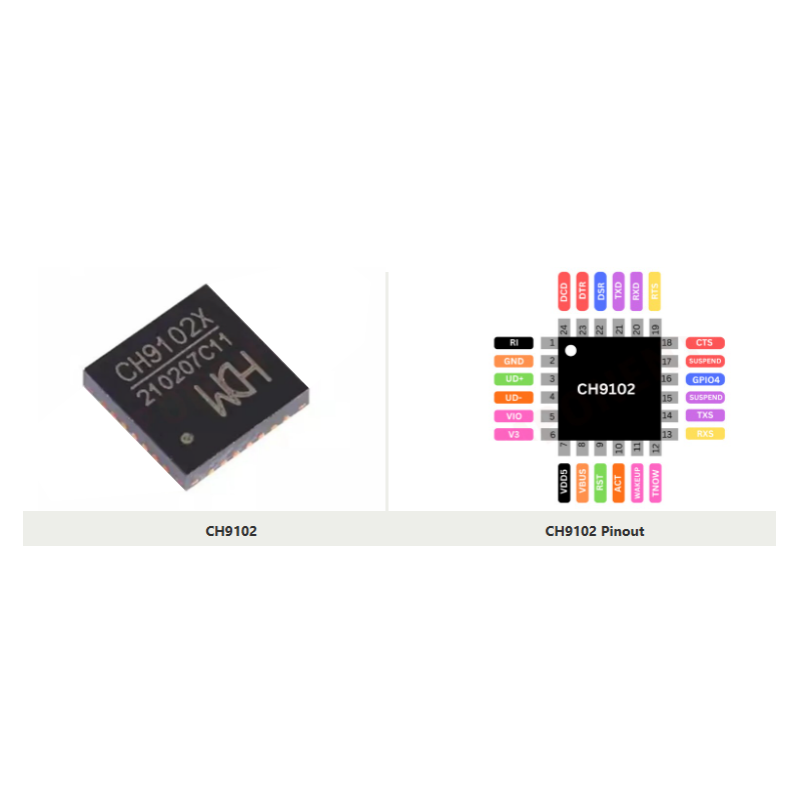
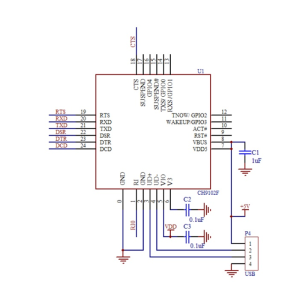
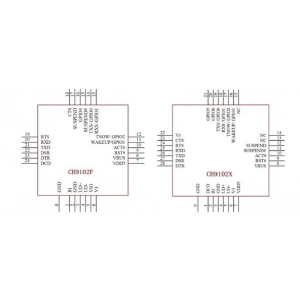
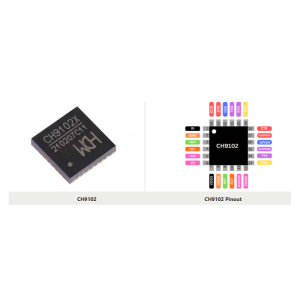
USB Interface Chip

CH9102

Processor

Dual-core 32-bit, up to 240 MHz

Flash Memory

4 MB SPI Flash

Wireless

WiFi 802.11 b/g/n, Bluetooth v4.2 BR/EDR + BLE

Operating Voltage

3.3V logic; 5V via Micro USB

USB Connector

Micro USB

Pin Count

30 pins (welded headers)

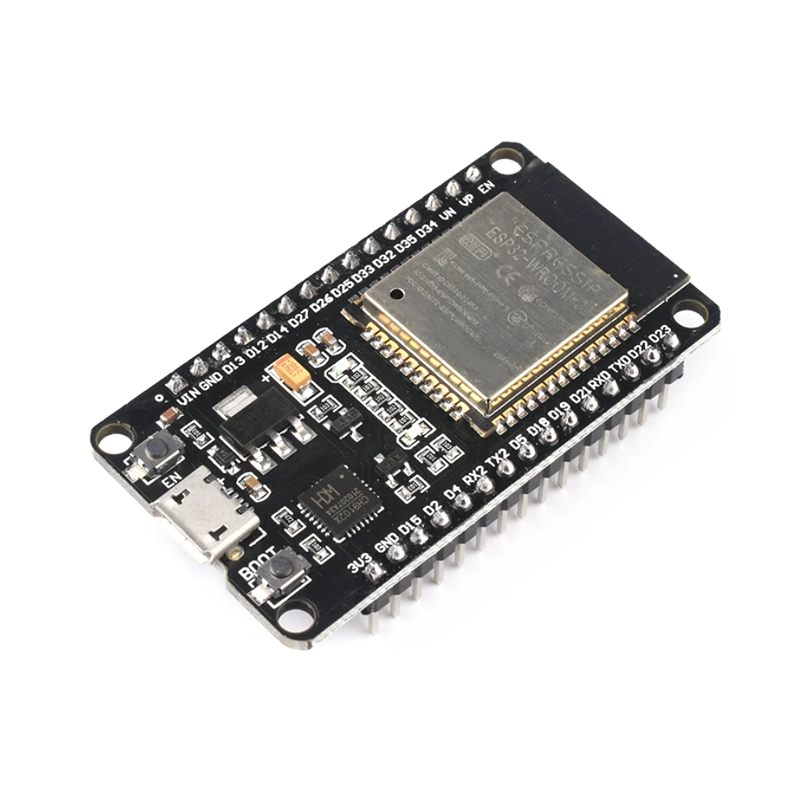
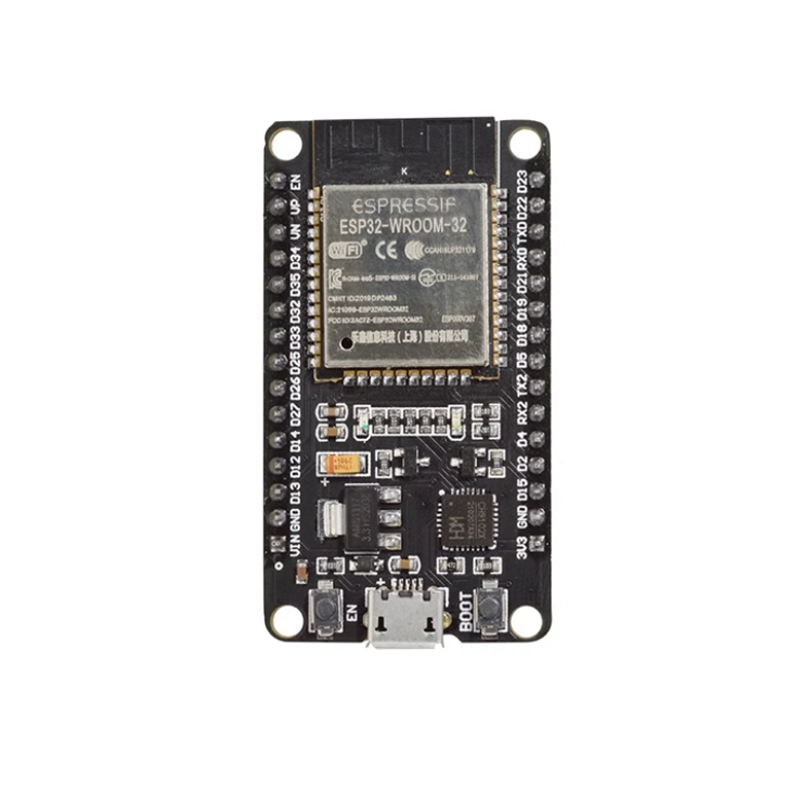
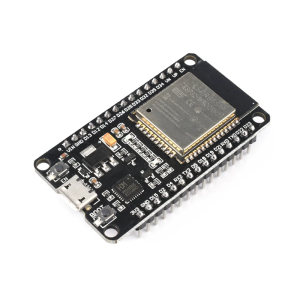
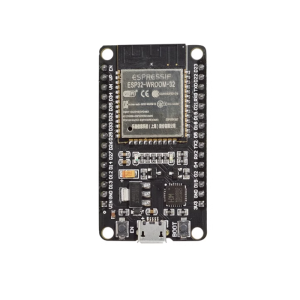
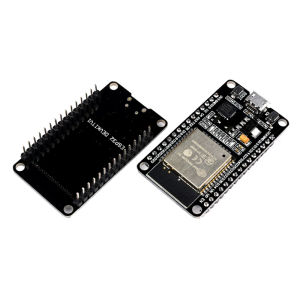
The ESP-WROOM-32 (30-Pin) CH9102 Development Board is a compact, power-efficient platform designed for IoT development, wireless communication, and embedded prototyping. Built around the ESP32-WROOM-32 module and equipped with the CH9102 USB-to-serial chip, this board delivers dual-core processing power, integrated WiFi and Bluetooth connectivity, and stable programming support in a streamlined 30-pin form factor.

The ESP32-WROOM-32 module at the core of this board features a dual-core 32-bit microprocessor running at up to 240 MHz, with 4 MB of SPI flash memory for program and data storage. It supports WiFi 802.11 b/g/n and Bluetooth v4.2 BR/EDR and BLE, providing versatile wireless options for a wide range of applications, from smart home devices to industrial IoT gateways.

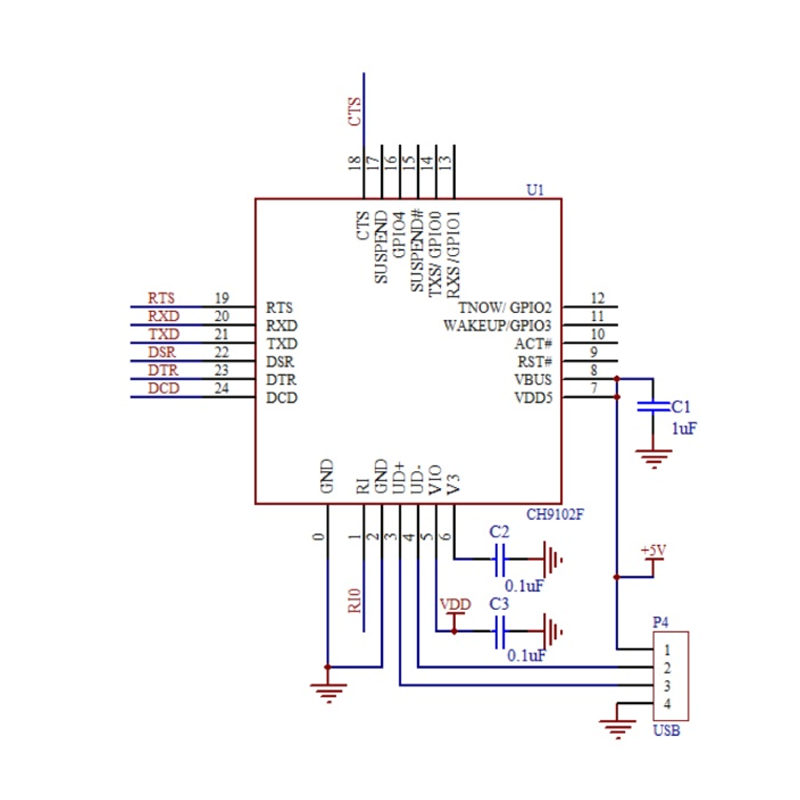
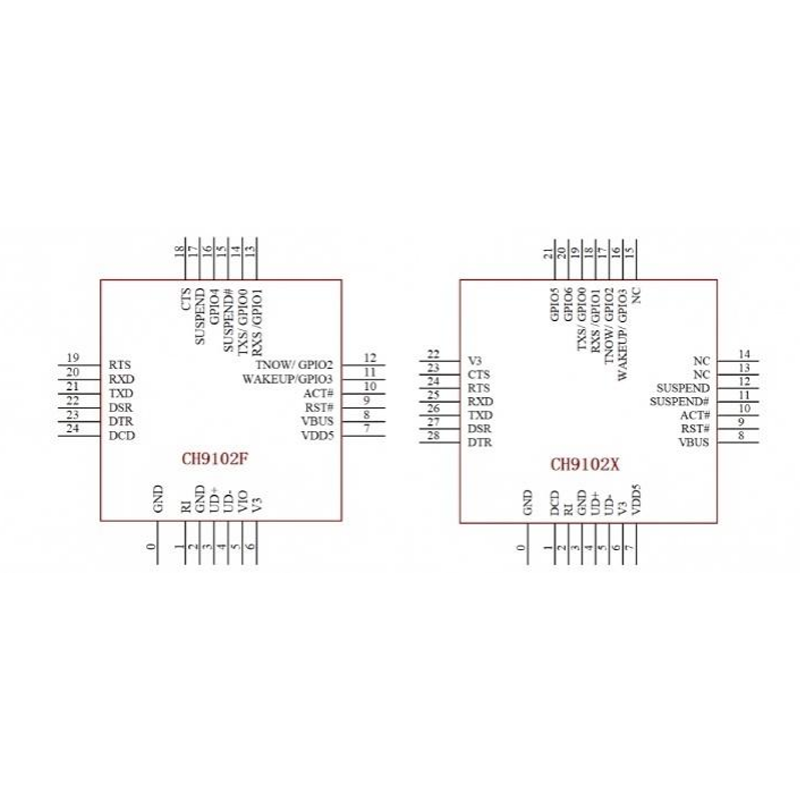
This version is equipped with the CH9102 USB-to-serial chip, a mature and widely supported interface solution known for its stability and high-speed data transfer capabilities. The CH9102 handles programming and serial communication over the Micro USB port, which also serves as the board’s power supply. It requires a one-time driver installation on most systems, after which it works smoothly with development environments including Arduino IDE, ESP-IDF, and PlatformIO.

The ESP32 is well known for its ultra-low power consumption capabilities, making this board ideal for battery-powered and energy-conscious applications. It supports multiple power modes including Active, Modem-sleep, Light-sleep, and Deep-sleep, allowing developers to optimize power usage for their specific application. In Deep-sleep mode, current consumption can drop to as low as 10 µA, significantly extending battery life in remote sensor and monitoring applications.

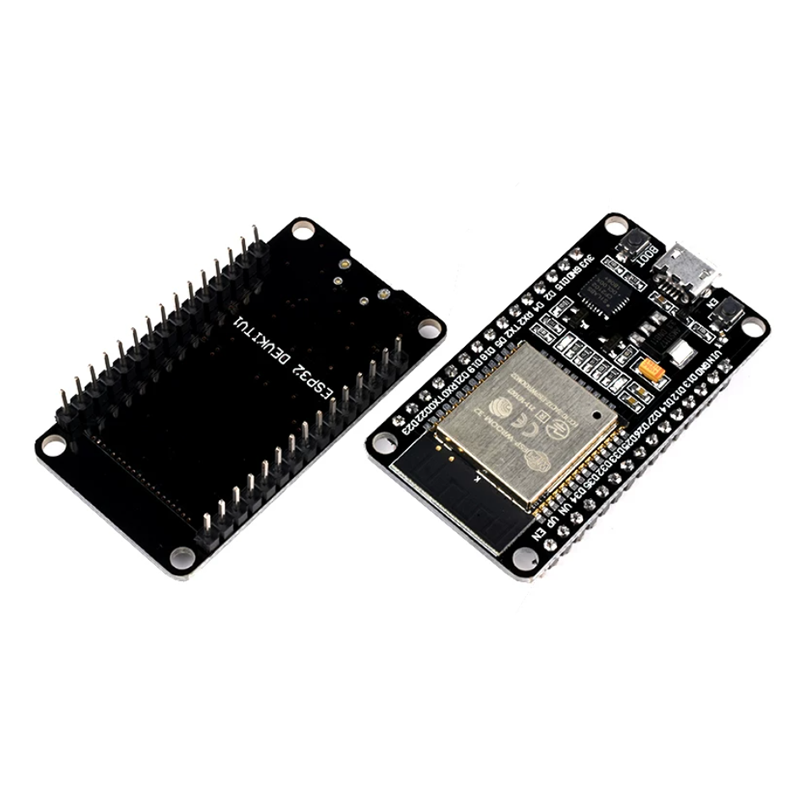
The 30-pin design provides a balanced set of I/O pins on standard 0.1-inch headers along both sides of the board. The most commonly used GPIOs are exposed, offering a compact footprint while still supporting a wide range of peripherals. The headers are pre-soldered and ready to use without any assembly required.

The board includes a reset button (EN) and a boot button (Boot) for easy firmware flashing and operation. Whether you are a beginner exploring IoT concepts, a hobbyist building connected projects, or a business deploying wireless solutions, the ESP-WROOM-32 (30-Pin) CH9102 Development Board offers a reliable, well-supported platform that balances performance, connectivity, and power efficiency.


Features

  • ESP32-WROOM-32 module — dual-core 32-bit microprocessor with integrated WiFi and Bluetooth.

  • CH9102 USB interface chip — stable, high-speed USB-to-serial communication with mature drivers.

  • Ultra-low power consumption — multiple power modes including Deep-sleep for battery-powered applications.

  • 30-pin welded design — compact footprint with pre-soldered headers, ready to use without assembly.

  • Dual-core processing — up to 240 MHz clock speed for demanding applications.

  • Integrated WiFi — 802.11 b/g/n support for wireless networking and IoT connectivity.

  • Bluetooth v4.2 with BLE — supports both classic Bluetooth and Bluetooth Low Energy.

  • Essential pin breakout — the most commonly used GPIOs exposed on standard 0.1″ headers.

  • On-board buttons — EN (reset) and Boot buttons for easy firmware flashing.

  • 4 MB SPI flash — ample program and data storage for most projects.

  • Breadboard compatible — standard header spacing allows direct mounting on breadboards.


Technical Specifications 

# Parameter Specification
1 Module ESP32-WROOM-32 (ESP-32S)
2 USB Interface Chip CH9102
3 Processor Dual-core 32-bit, up to 240 MHz
4 Flash Memory 4 MB SPI Flash
5 Wireless WiFi 802.11 b/g/n, Bluetooth v4.2 BR/EDR + BLE
6 Operating Voltage 3.3V logic; 5V via Micro USB
7 USB Connector Micro USB
8 Pin Count 30 pins (welded headers)

Usage

Getting Started

  1. Install the CH9102 driver if prompted — required on most systems for first-time use.

  2. Connect the board to your computer using a Micro USB cable.

  3. Select your development environment — Arduino IDE, ESP-IDF, or PlatformIO.

  4. Choose the correct board and port — select “ESP32 Dev Module” or the appropriate ESP32 board definition.

  5. Upload your sketch or firmware.

  6. Press the EN button if needed to reset the board after uploading.

Power Options

  • Micro USB port — default power supply (5V) and communication interface.

  • 5V and GND header pins — alternative power input.

  • 3.3V and GND header pins — for regulated 3.3V supply.

Important: Use only one power source at a time to avoid damaging the board or power supply.

Power Modes

Mode Description Typical Current
Active Full operation, WiFi/Bluetooth active ~100-240 mA
Modem-sleep CPU active, WiFi/Bluetooth idle ~20-30 mA
Light-sleep CPU paused, RAM retained ~0.8 mA
Deep-sleep Only RTC active ~10 µA

Typical Applications

  • Battery-powered IoT devices — ultra-low power modes extend battery life significantly.

  • Remote sensor nodes — long-term monitoring with minimal power consumption.

  • Smart home automation — sensor networks, local web servers, and device control.

  • Wireless data logging — 4 MB Flash for extended data storage.

  • Bluetooth Low Energy applications — beacons, wearables, and proximity sensing.

  • Space-constrained projects — 30-pin layout offers a smaller footprint than 38-pin variants.

  • Educational projects and STEM learning — a well-supported platform for teaching IoT concepts.

  • OEM integration for connected products — compact form factor for custom designs.

Notes for Business Buyers

  • CH9102 interface — mature driver support and stable performance for bulk deployment.

  • Ultra-low power consumption — ideal for battery-powered and remote deployments.

  • Compact 30-pin design — suitable for space-constrained enclosures and portable devices.

  • Welded headers — ready for immediate use, reducing setup time in production and training environments.

  • Suitable for bulk purchasing — ideal for educational institutions, labs, and product development teams.

Q: Is this board compatible with the Arduino IDE?

Yes. It works with the Arduino IDE when the ESP32 board definitions are installed. Select an appropriate ESP32 board type and the correct serial port.

Q: Do I need to install a driver for the CH9102 chip?

Yes. On most operating systems, a one-time CH9102 driver installation is required before the board is recognized. After installation, it works normally with development tools.

Q: What is the difference between the CH9102 and CP2102 chips?

Both are USB-to-serial converters. The CH9102 is known for stable performance and supports high baud rates. The CP2102 is a common alternative with similar functionality but different driver requirements.

Q: What is the difference between the 30-pin and 38-pin versions?

The 30-pin version offers a more compact footprint with the most commonly used GPIOs exposed. The 38-pin version provides access to additional GPIO pins for projects that require more I/O.

Q: How does the ultra-low power consumption benefit my project?

The ESP32 supports multiple power modes including Deep-sleep (as low as ~10 µA). This significantly extends battery life in remote sensor, monitoring, and battery-powered applications.

Q: Can I power this board from an external power supply?

Yes. You can power the board via the Micro USB port, or through the 5V/GND or 3.3V/GND header pins. Use only one power source at a time to avoid damage.

Q: Does this board support WiFi and Bluetooth simultaneously?

The ESP32 hardware supports both WiFi and Bluetooth, but they share the same radio. In most applications, they can be used together with appropriate software configuration.

Q: How do I enter firmware download mode?

Hold down the Boot button, then press and release the EN button. Release the Boot button to enter download mode for flashing firmware.

Q: Is this board suitable for beginners?

Yes. With extensive documentation, community support, and compatibility with Arduino IDE and ESP-IDF, it is suitable for beginners and experienced developers alike.

Q: Can I purchase in bulk for a school, company, or product development?

Yes. This board is suitable for both individual users and business purchasing, including classroom sets, corporate training, and OEM integration.